Stream Training Videos on Your TV
0108_01

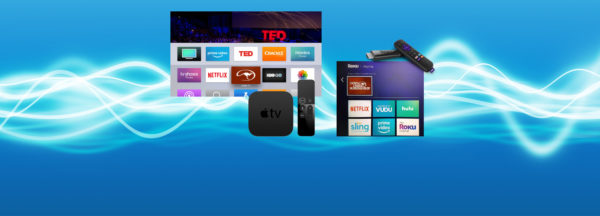
Stream the Method on Apple TV, Android TV, and Amazon Fire! Now you can view all of Clinton’s video content on your TV by simply adding the Downunder Horsemanship streaming app to your device. You’ll use the same login information you use for the Downunder Horsemanship app and the No Worries Club website to access your content.

From No Worries Club videos to training kits, you’ll be able to use your remote to play, rewind, fast forward and stop training content from the comfort of your couch.

How to Add the Downunder Horsemanship Channel to Your Account

To add the Downunder Horsemanship channel to your account if you’re using Apple TV, Android TV or Amazon Fire, perform a search for “Downunder Horsemanship.” When the channel appears, click on it to add it to your lineup.


More News

Back to all news

See All
FILES2f20162f072f0712_Tip.jpg.jpg

10 years ago

Training Tip: Making Progress With Limited Time

People ask me all the time, “Clinton, what if I have a 9-to-5 job and don’t have time to work…

Read More
0123_01

8 years ago

Imagine What You Could Accomplish

One of the biggest keys to establishing a fun, safe and enjoyable partnership with your horse is consistently working with…

Read More
NWCfind

7 years ago

Find It on the No Worries Club Website: Trailer Unloading

What if your horse steps onto the trailer without a problem, but when you ask him to back out of…

Read More
0903_Tip

2 years ago

Training Tip: Horse Backs Up When Asked to Go Forward

Question: I have a Tennessee Walker that is used mainly for trail. When I ask him to stand, he will…

Read More